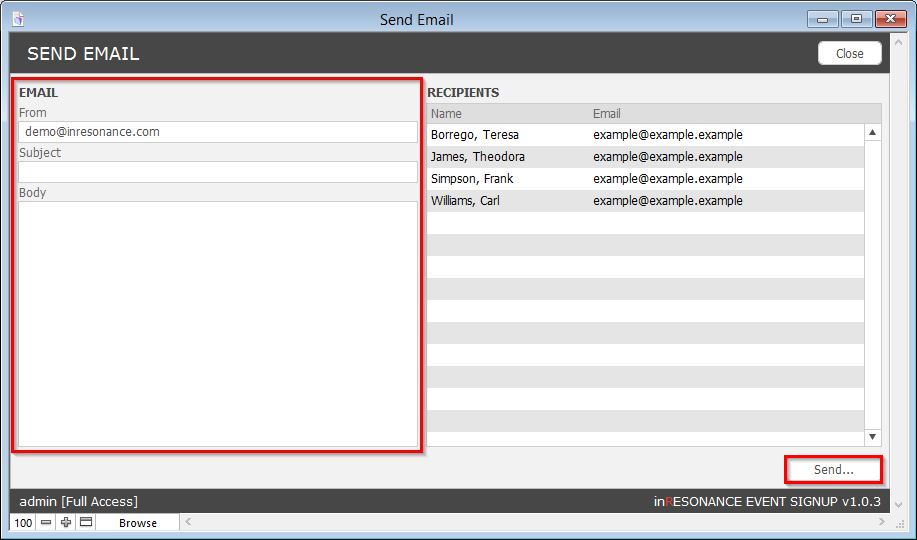
You may send an email to all registrants of a given event occurrence from within Event Signup.
- Navigate to the Events domain.
- Click the Form view button.
- Perform a Find for the event occurrence you wish to email.
- Click the Registrations tab.
- Click the Email Registrants button. A Send Email window will appear.

- Enter an appropriate From email address.
- Fill in the Subject and Body fields.
- Click the Send button.