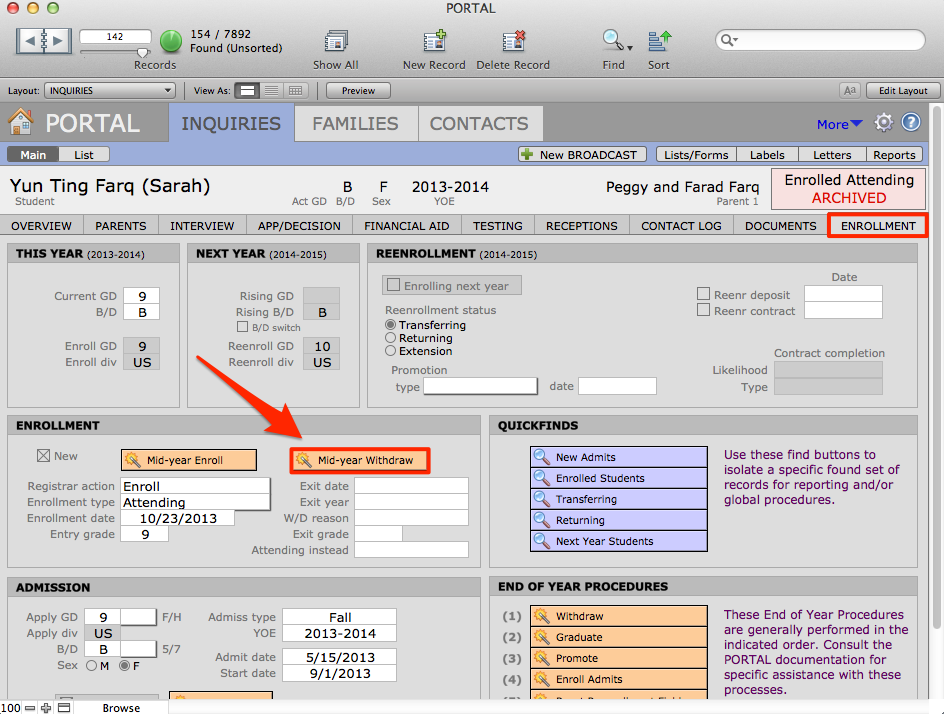
- Perform a find for the students that you want to withdraw.
- Navigate to the Enrollment Tab.
- Click the orange Mid-Year Withdraw button.
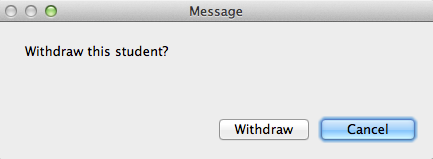
- A dialogue box will pop up asking you to confirm your action. Click Withdraw.
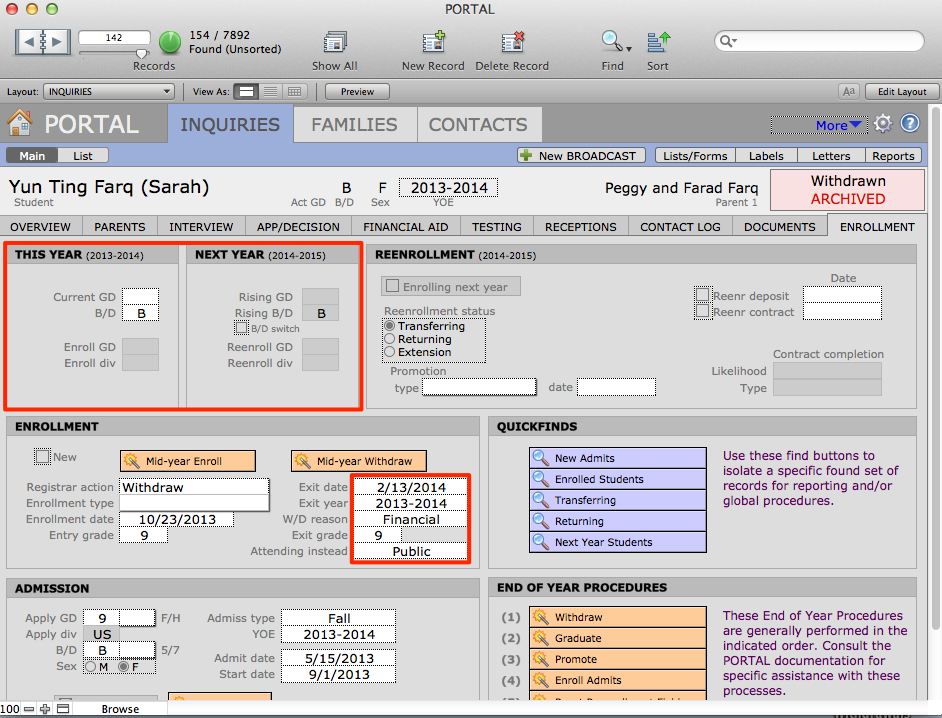
Notice that the data in This Year and Next Year is cleared out and some of the fields beneath Mid-year Withdraw are auto-filled.
- Enter the reason for leaving in W/D Reason and add the student’s next school in Attending Instead.