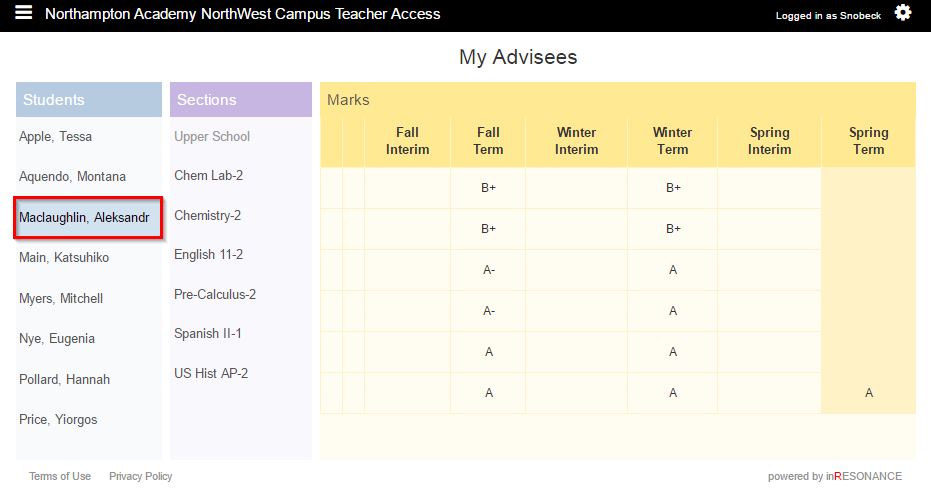
All Section View
All Section view is an overview of all of that student’s grades in all sections.
- Select My Advisees from the
 hamburger dropdown menu.
 - Select the Student. The sections that student is in will appear in the sections column.
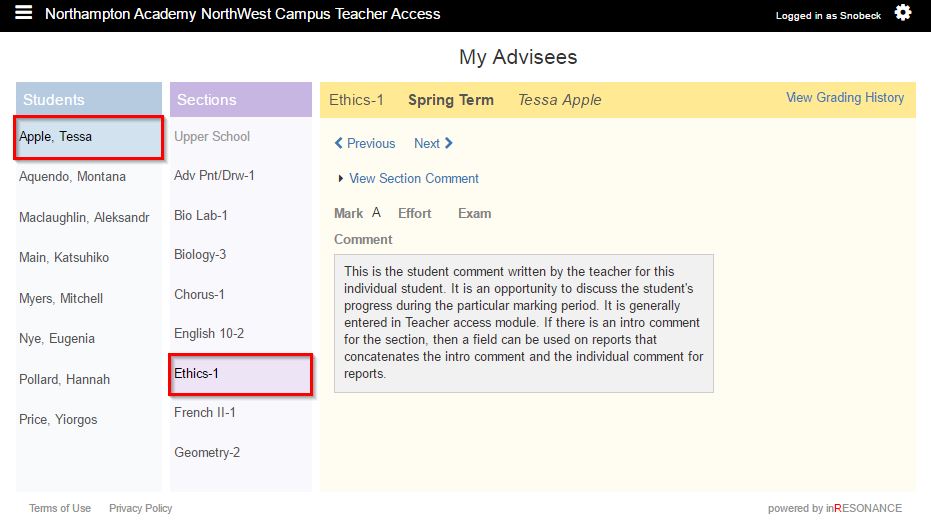
Individual Section View
Individual Section View will display:
- Section comment
- Mark, Effort and Exam grade
- Invididual student comment
- View Grading History
- Select My Advisees from the hamburger dropdown menu.
- Select the Student. The sections that student is in will appear in the sections column.
- Select the Section.