
Material gifts are recorded as Gifts in Kind (GIK). A transaction amount is required but may be zero.
- Find the constituent for whom you wish to record a gift by clicking search for donor in the Enter Transaction Information window in Batch Entry.
- Create a new transaction and indicate it as a GIFT from the Type pull down menu.
- Select GIK from the Sp pull-down menu.
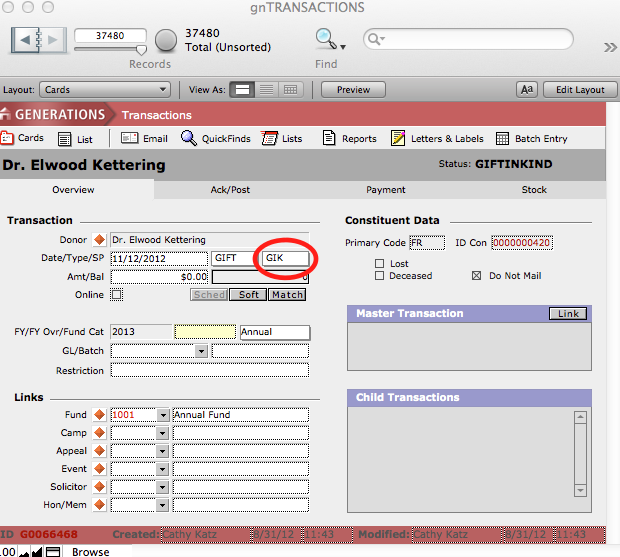
- Enter a transaction date, link it to a fund, and enter a dollar amount.
- Click the Add to Session button.
The transaction will be loaded into the Transaction History window.
