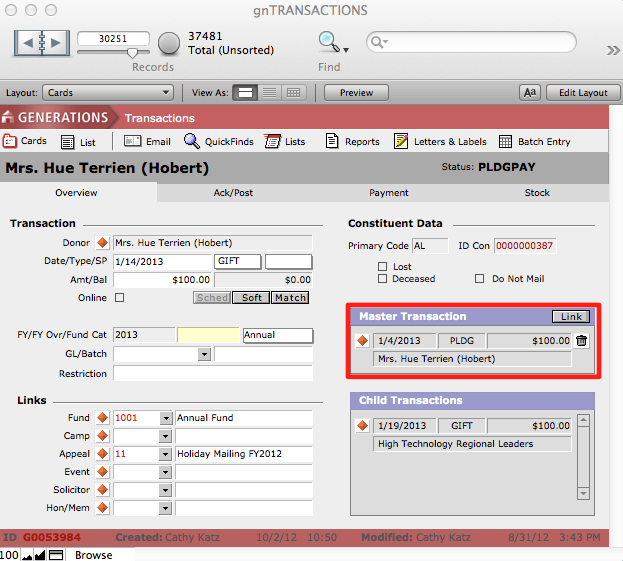
Transactions can be linked to one another—such as linking a gift to a pledge—from the Overview screen in the Transactions file.
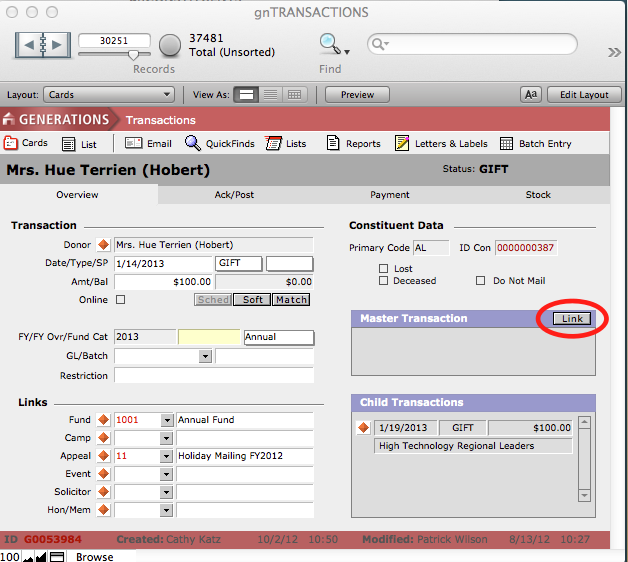
To link one transaction to another
- From within the transaction record, click the Link button.
- A dialog box will pop up, prompting you to enter some detail that will point to the transaction you want to find.
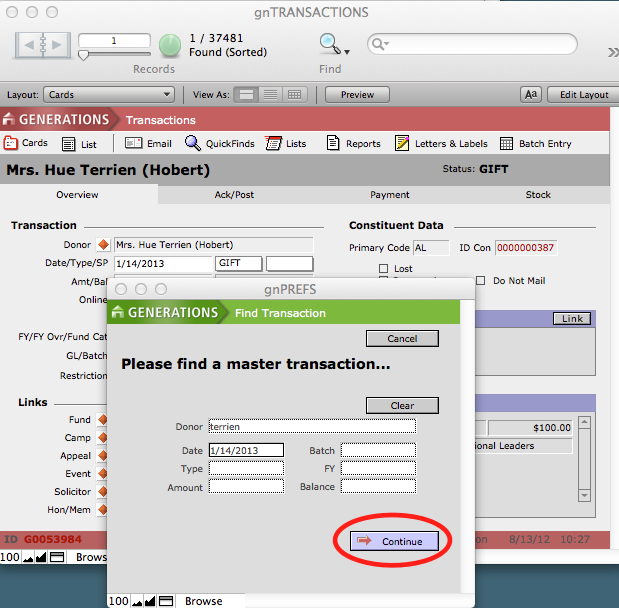
- Click Continue. The link is made.