
As transactions are associated with individual campaigns, campaign progress can be monitored in the Target Totals window. In order to update campaign progress, click the Update button.
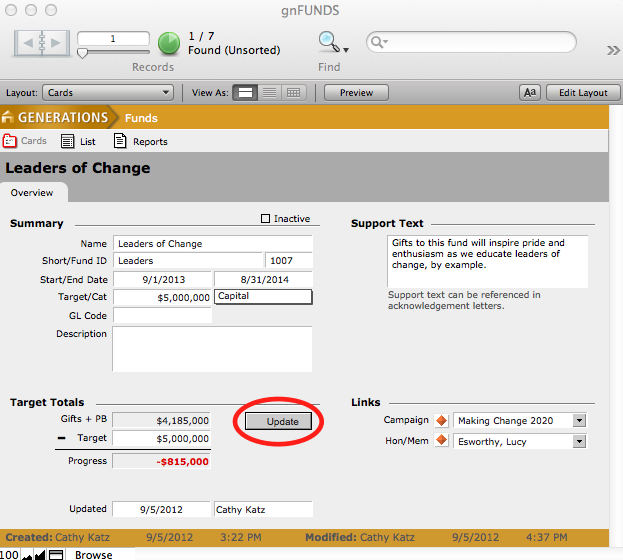
A dialogue box will appear asking you if you want to update campaign information for this record only or the found set. Select the desired button.
