
To Create a New Campaign
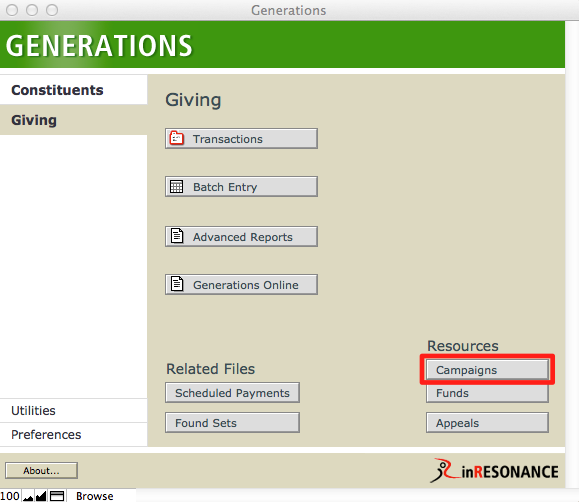
- From Central Navigation, navigate to the Campaigns file.
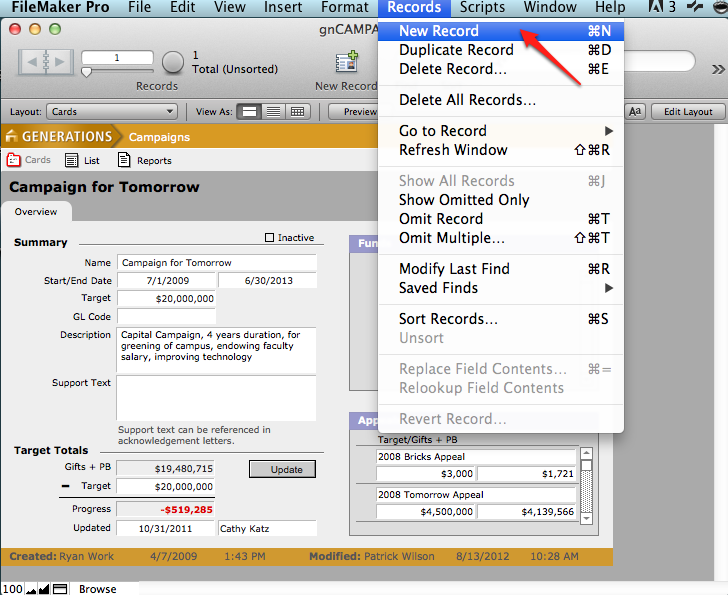
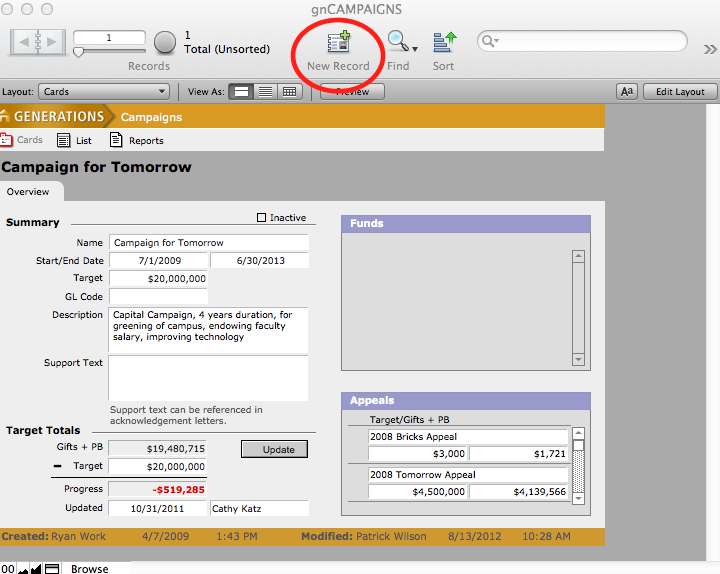
- Create a new record by selecting New Record from the Records menu or by clicking the New Record button in the top status area. A new blank record is created with a unique campaign ID.
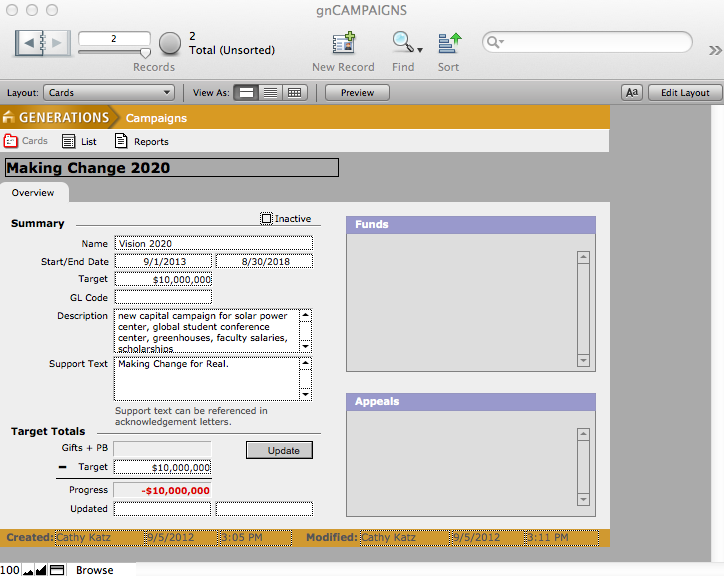
- Enter the campaign name, start and end dates, target dollar amount, and a general ledger code if appropriate. Enter a description of the campaign if desired.
- To link a fund or an appeal to a campaign, navigate to the Funds or Appeals file, find the desired fund or appeal and select the desired campaign from the pull down menu.
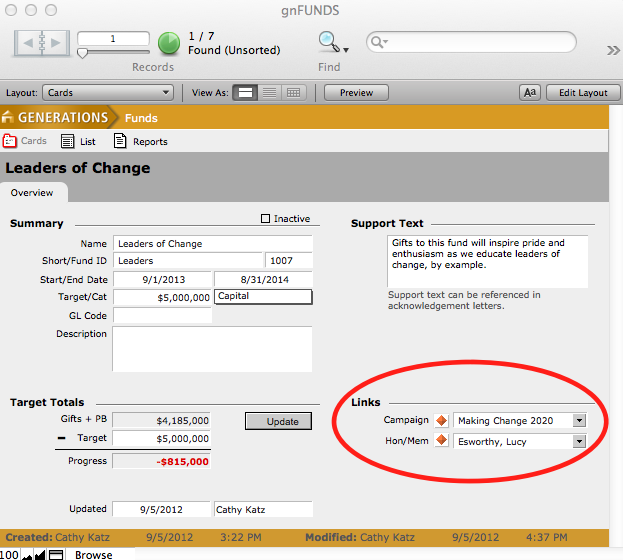
NOTE: As funds and/or appeals are associated with this campaign, their information will appear in the Funds and Appeals window.
- To designate a campaign inactive, click the Inactive checkbox at the top of the summary.
Checking Inactive will remove this campaign as a choice when linking transactions, funds and appeals to campaigns, but will not delete this campaign from the file.
