To Create a New Event
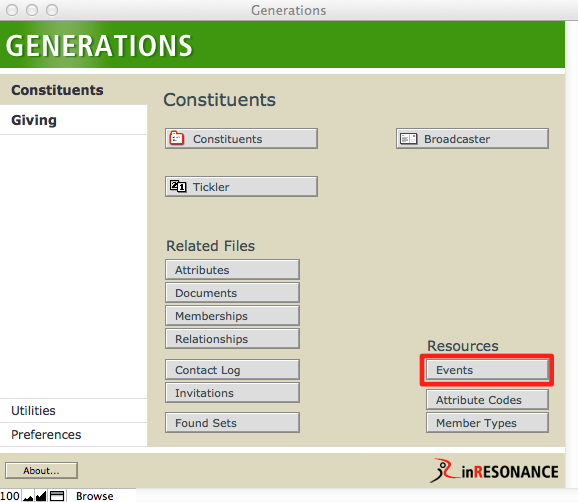
- From Central Navigation (Constituents), navigate to the Events file.
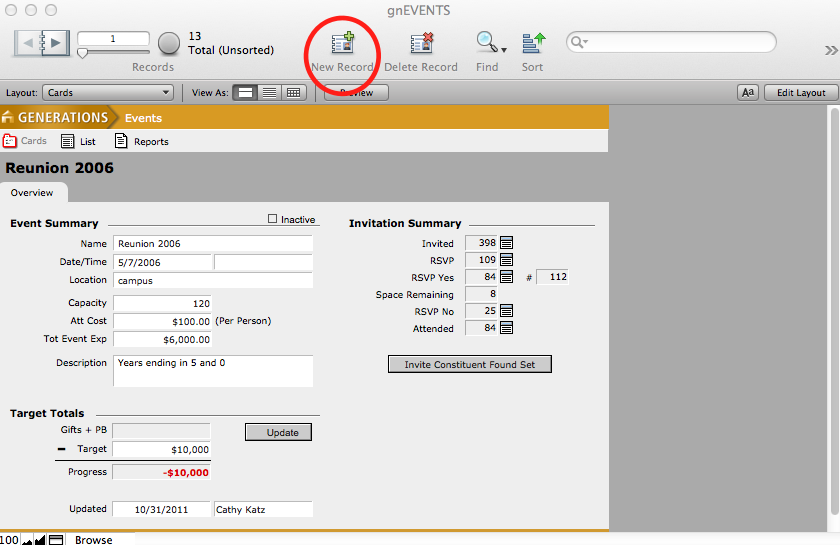
- Create a new record by clicking the New Record button in the status area, or by selecting New Record from the Records menu. A new blank record is created with a unique Event ID.
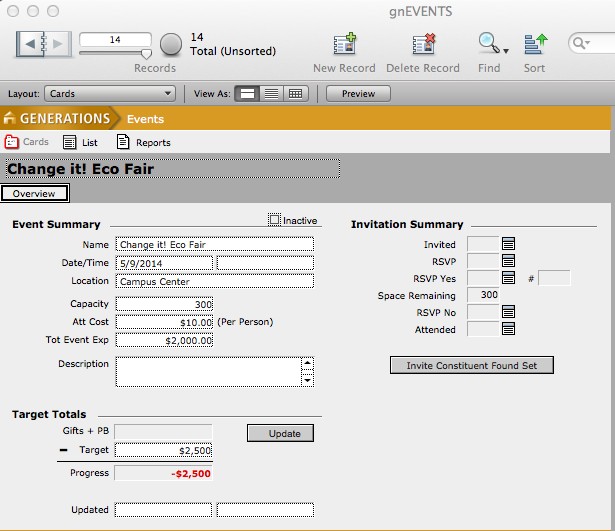
- Enter the event name, date, time, location, capacity, attendance cost, total event expense and a description of the event if desired.