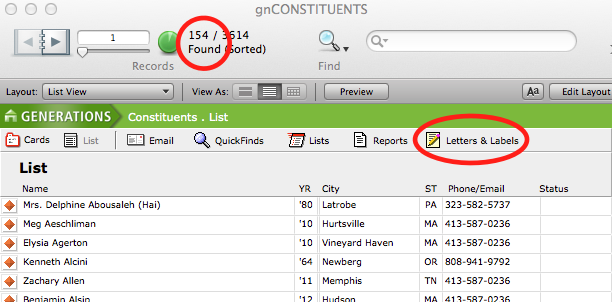
When you invite a group of constituents to an event in GENERATIONS 3.x, this means you are adding a new event to the constituent record of each individual in your found set that shows the individual was on the invitation list. That is, an event record is added to the individual record of each constituent in your found set. The individuals in your found set appear in the event as the list of invitees, and this list is used to process RSVPs.
NOTE: This action does not send actual invitations. Once you have marked your constituent files as invited to an event, you will use your found set to process a broadcast email, or printed invitations and labels, from the Constituents file. The production of actual invitation labels is included later in this article.
To Invite a Group of Constituents to an Event
- Navigate to the Constituents file.
- Using FileMaker’s Find mode, find the group of constituents you wish to invite to an event.
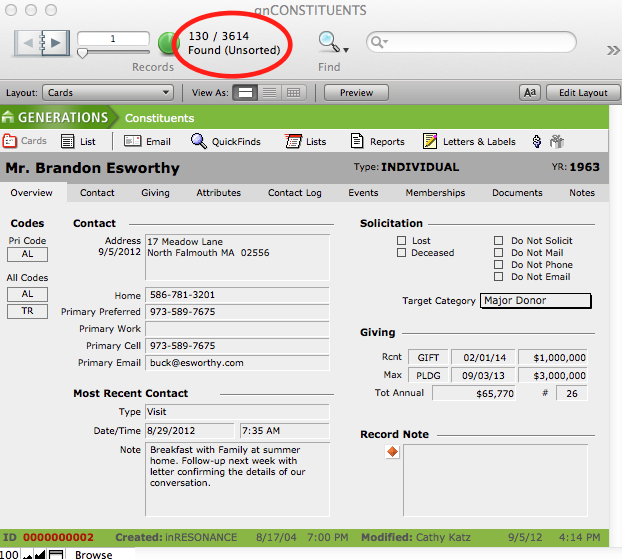
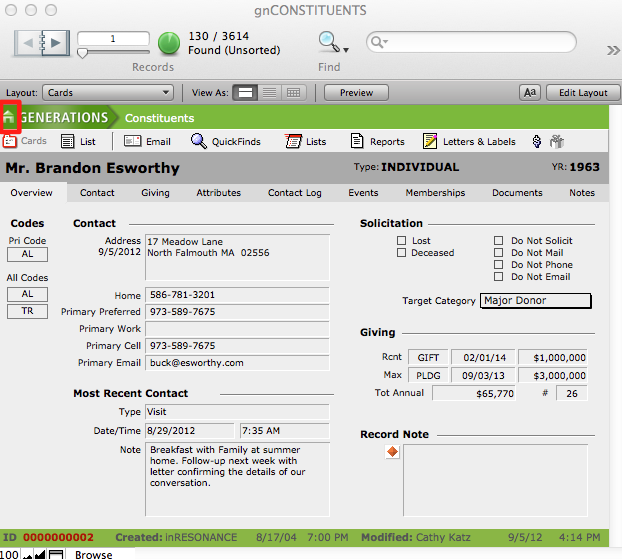
- Navigate to the Event file by clicking the house icon to the left of the name GENERATIONS, which takes you to Central Navigation, and then click the Events button.
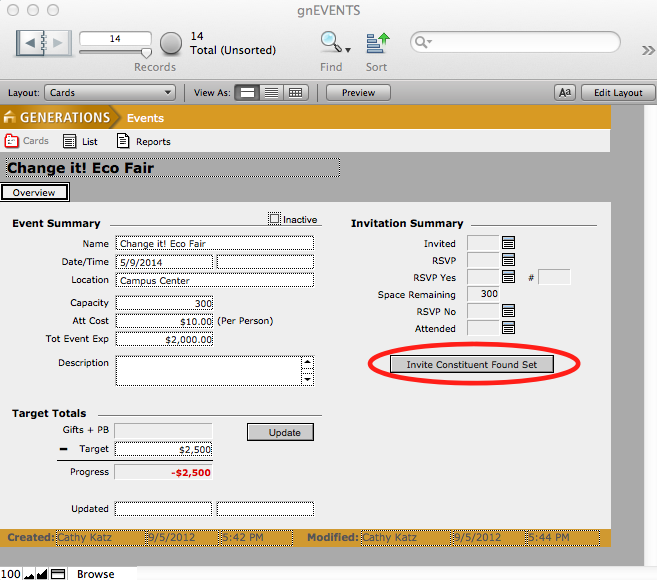
- If the event to which you wish to invite constituents is not the current record, find the desired event, using FileMaker’s Find mode.
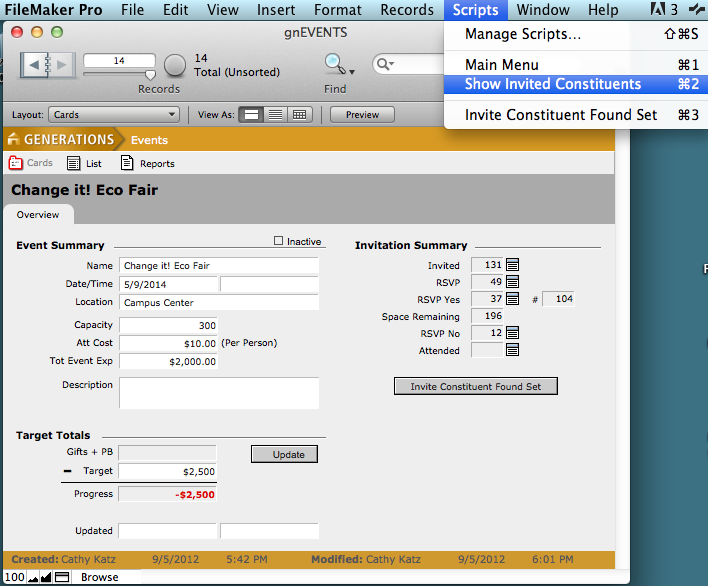
- Click Invite Constituent Found Set button.
A dialog box will appear asking you to confirm whether or not you want to create invitations for the found set of constituents.
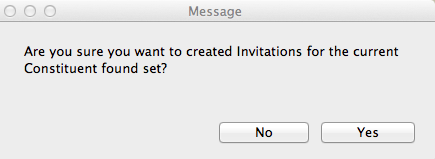
- Click Yes.
- A progress window will appear as constituents are invited. When completed, click Continue.
NOTE: Once you have invited constituents the Invited field in the Invitation Summary area will auto complete with the number of invited constituents. As you process invitations, the remaining fields will auto complete as well.
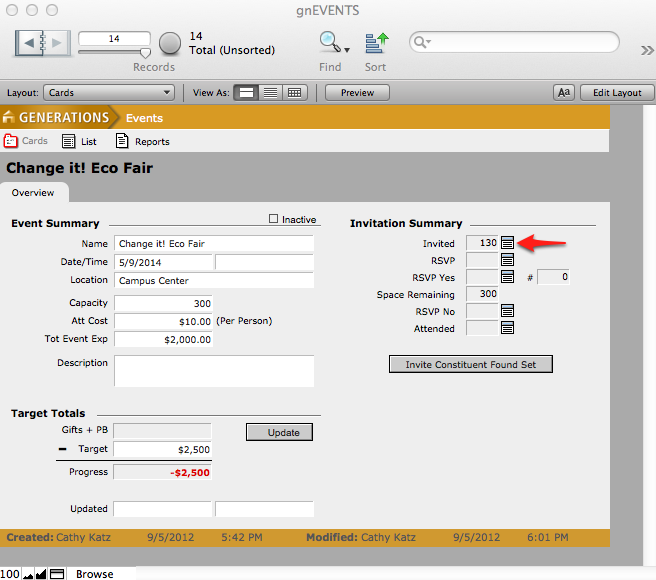
The Space Remaining field reflects those constituents who have RSVPed that they will be attending. The # field reflects the total number of constituents and their guests who have RSVPed Yes. If you later invite other constituents, the Invited field will update to reflect the new number of invitees.
Inviting an Individual Constituent to an Event
A constituent can be invited to an already scheduled event from the Events screen in the Constituents file.
- Navigate to the Events screen in Constituents and find the constituent whom you wish to invite to an event.
- Select New above the Invitation History area.
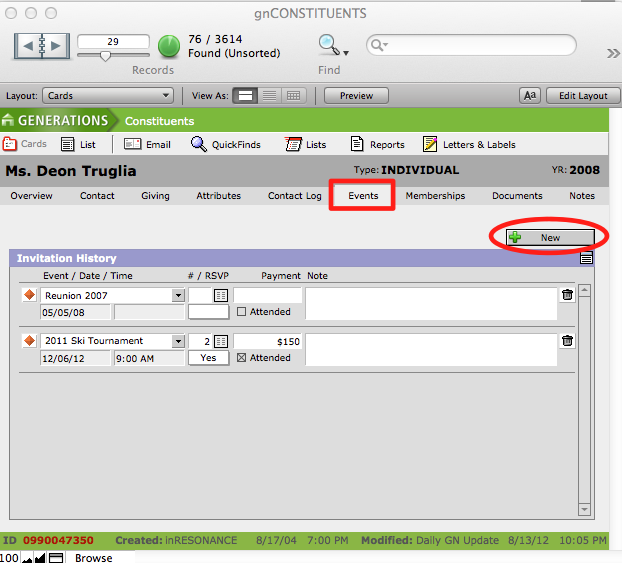
A new line item will appear in the Invitation History area with a pop down list of all active events.
- Select the event to which you want to invite the constituent.
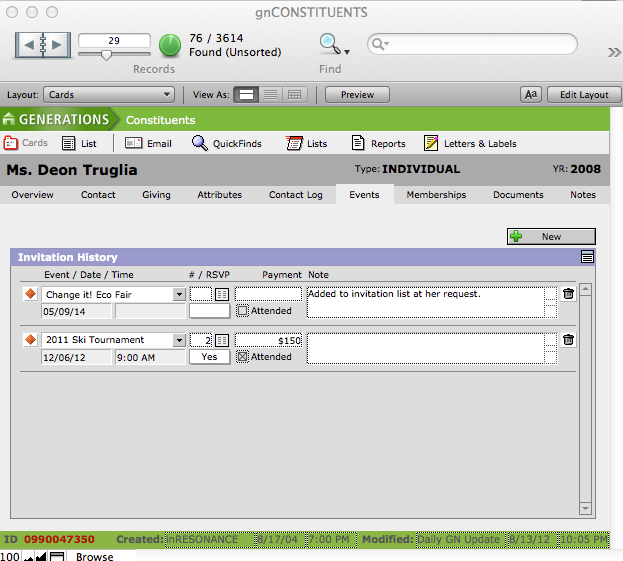
- To delete an invitation from an individual’s record, click on the Trash icon beside the event in the Invitation History area. This will delete the invitation for this constituent only.
Sending Invitations to the Invitation List
You can send paper invitations or email invitations to the constituents in your invitation list.
- Get your found set in one of two ways:
- From the Constituents file > Events tab, perform a Find for the event.
- From the Event file > Scripts menu, select Show Invited Constituents.
- You now have your found set of invitees for the event, and you are in the Constituents file. If you wish to print labels, click the Letters & Labels button in the task bar and select the appropriate label. Remember, in order to view the labels as they will actually print, enter Preview mode and then print.