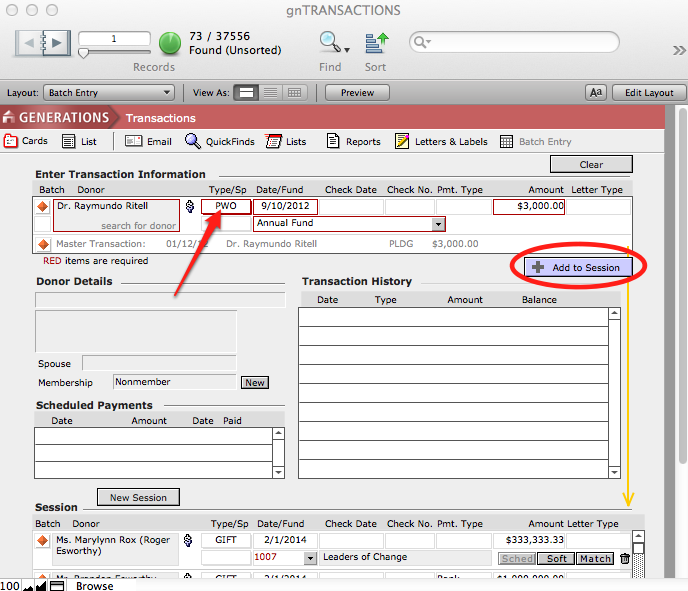
After the close of your fiscal year, you may want to review outstanding pledges to determine, on a pledge-by-pledge basis, whether you want to try to collect the pledge balance or create a Pledge Write-Off (PWO) transaction to clear the pledge.
Reviewing Outstanding Pledges
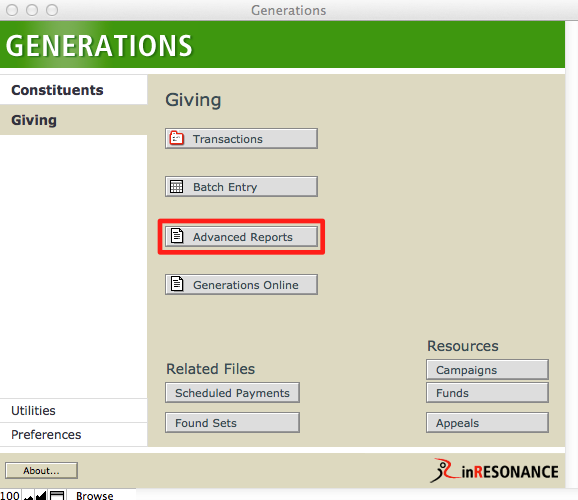
- From Central Navigation (Giving), click on Advanced Reports.
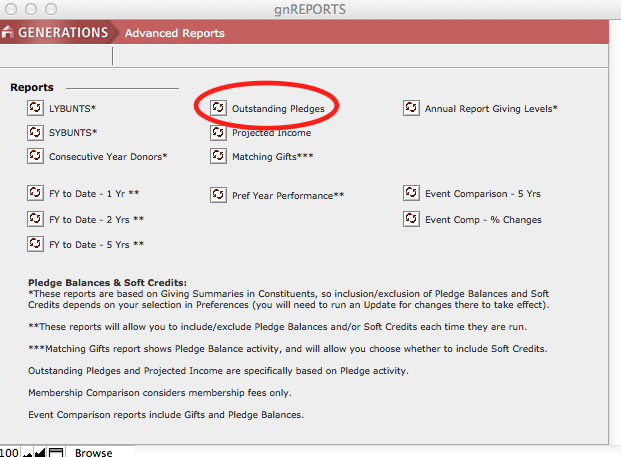
- Click on Outstanding Pledges Report.
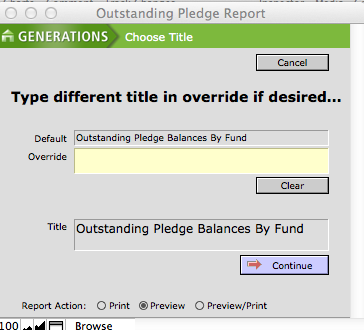
- A dialog box will pop up, in which you can create a custom title for your report, if desired.
- Select the fund you wish to include and then click Continue.
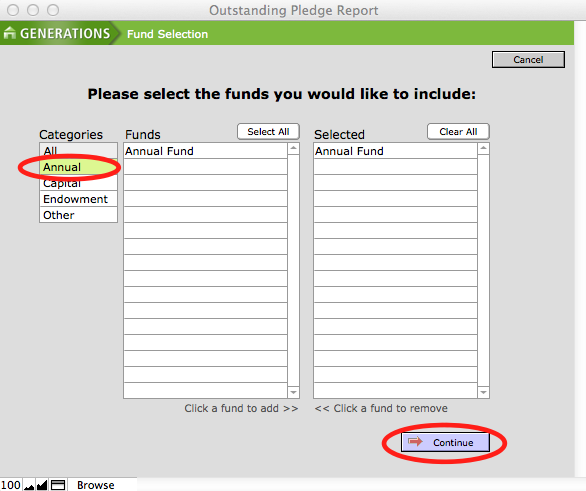
- The report will show you all outstanding pledges to the fund(s) you selected. Print the report, or browse the list by using the Book in the status area.
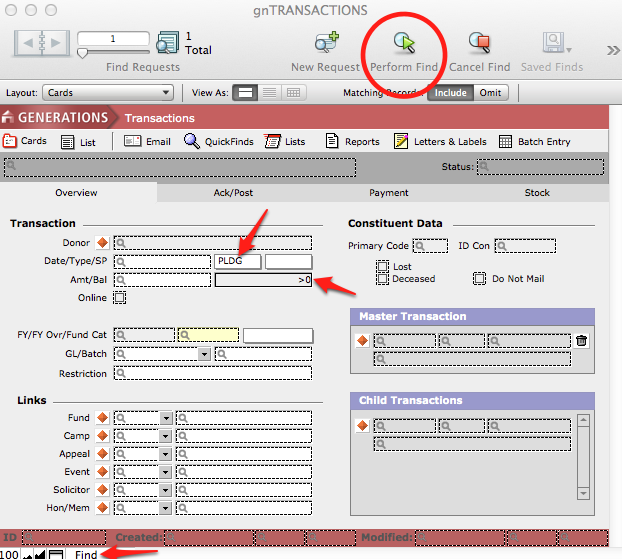
- To review the outstanding pledges as transactions, go to Central Navigation (Giving) > Transactions and do a Find for transactions with an outstanding pledge balance of more than zero.
- Review each transaction. If you wish to write off a pledge, go to Scripts menu > Write Off this Pledge.
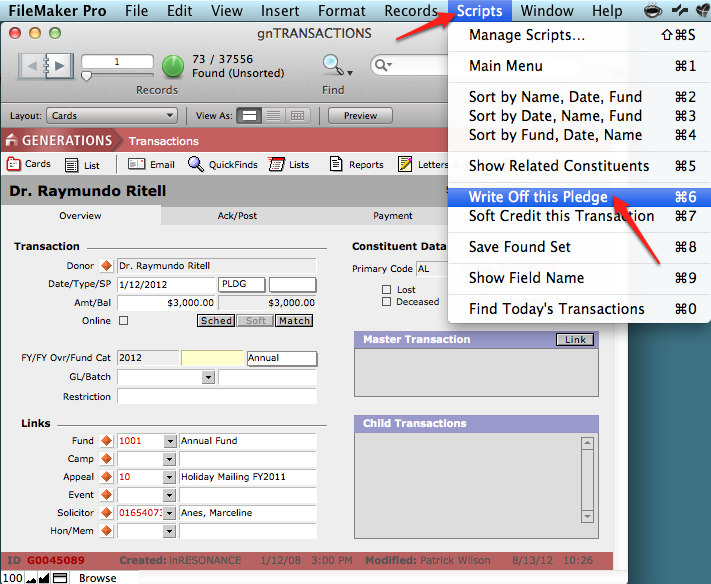
- This takes you to the Batch Entry screen, where the PWO transaction is already entered for you; it is already linked to the Master pledge transaction. Click Add to Session.