Some guests at an event will be known constituents, and others will be one-time visitors whose information does not need to be recorded outside of an event. In GENERATIONS 3.x, nametag information is entered when an RSVP comes in as part of the RSVP record, and nametags are run from within the event file.
Recording Nametags from an RSVP
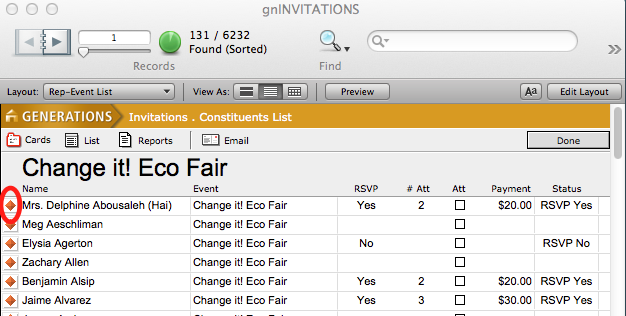
- After entering Yes, the number of attendees, and the payment received, click on the orange diamond icon to the left of the invitee to enter the invitee’s event record.
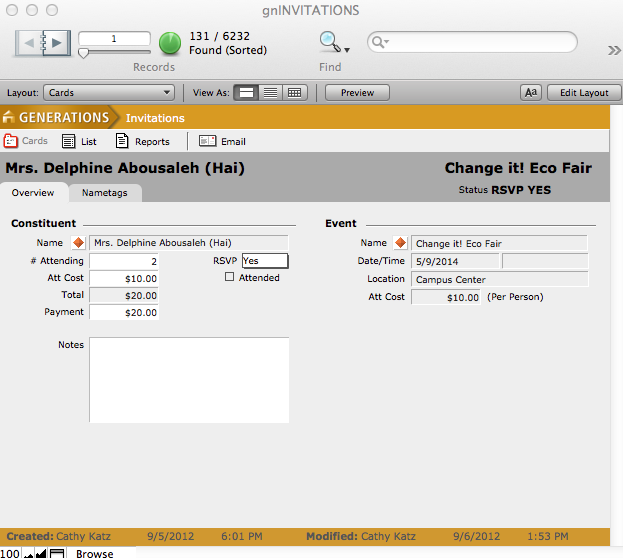
This brings you to the individual’s invitation overview screen, where you can see the # attending, cost, whether payment has been made, and the name of the event.
- Navigate to the Nametags tab, and enter information for all attendees in this party as it should appear on the event nametag. If any of the attendees are known constituents with records in GENERATIONS, you can automatically enter those by clicking on the appropriate Add Nametagbutton.
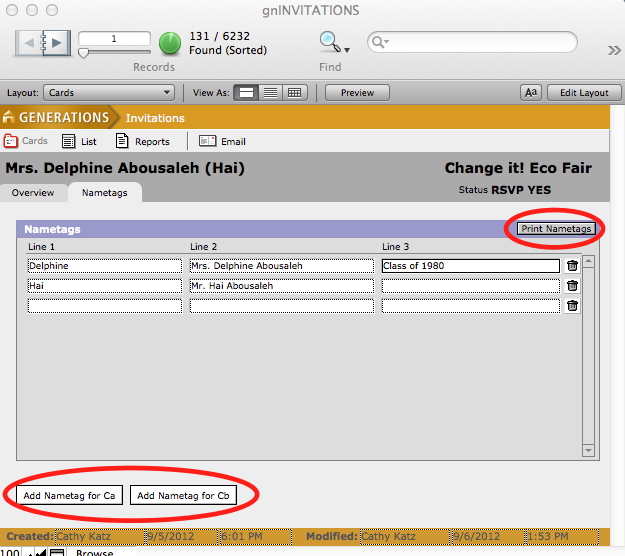
- To print nametags for an event,
- Click on the Print Nametags button within a nametag screen, or
- Navigate to Invitations > Reports and run the Nametags report.
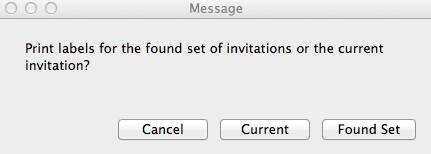
In both cases, a dialog will pop up asking if you wish to print nametags for the found set or just for the current invitation.