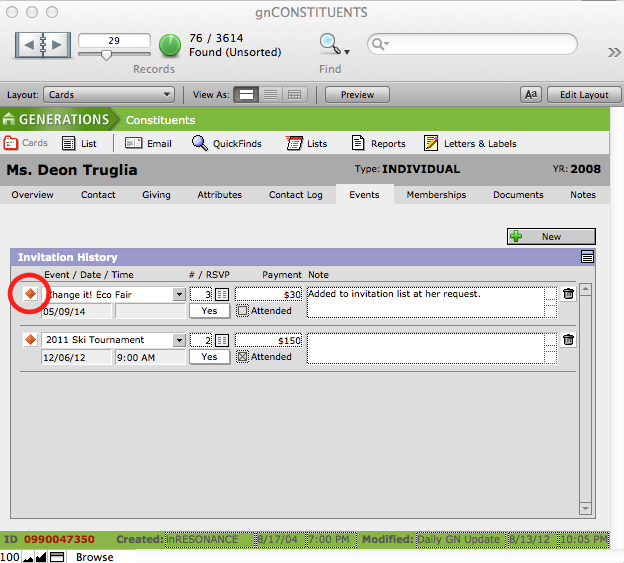
Constituents can be recorded as having RSVP’ed, made a payment, or attended an event on a constituent-by-constituent basis from the Events screen in the Constituents file or on an event-by-event basis from the Events file. Refer to the section on Monitoring Event Activity.
Processing an Individual Constituent
- Navigate to the Events screen of the Constituents file.
- Find the constituent for whom you wish to record information using FileMaker’s Find mode.
The constituent’s Invitation History will be displayed in chronological order with the most recent events displayed at the top of the screen.
- Enter the total number of attendees in the # field. For example, if the constituent is attending alone then the value = 1. A constituent bringing 2 guests = 3.
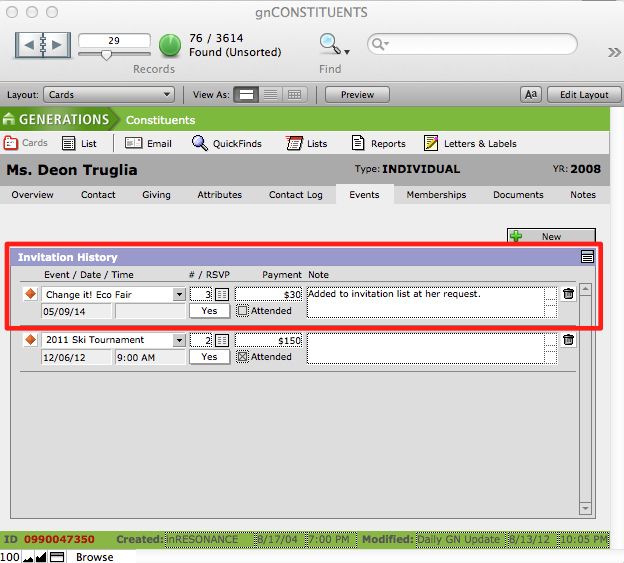
- Enter a payment made by the constituent for the event in the Payment field.
- Enter if the constituent has RSVPed or attended the event by checking the appropriate boxes.
- View a list of all the events for the constituent by clicking the List icon below the New button.
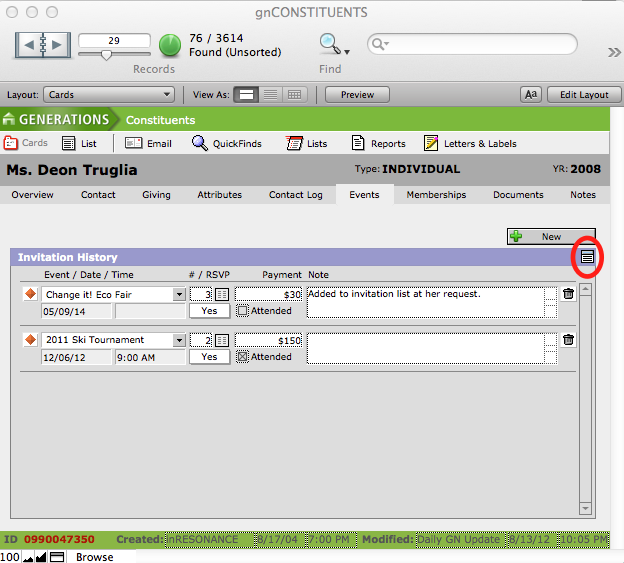
A list of all the events for which the constituent has been invited will appear. The list will contain the event name, whether or not they RSVPed, their payment information, and whether or not they attended. This list is editable.
- To navigate to the particular event, click the orange diamond icon beside the event.