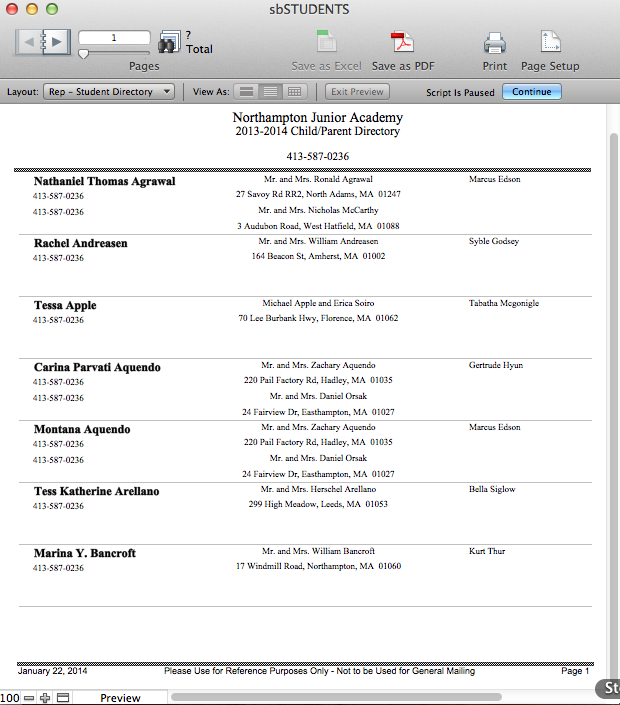
SANDBOX allows you to easily generate Student Directories for all enrolled students and families. Note that if parents do not wish for certain information to be published in a directory, these preferences can be changed in their sbFAMILIES record. Please see the section on DNP.
Student Directory
- Navigate to sbSTUDENTS > Overview.
- Click Reports.
- Click Student Directory. A complete student directory of all enrolled students whose parents want their information published in the directory, organized alphabetically will be generated.
- Print or Save as desired.
- Click Continue to exit.
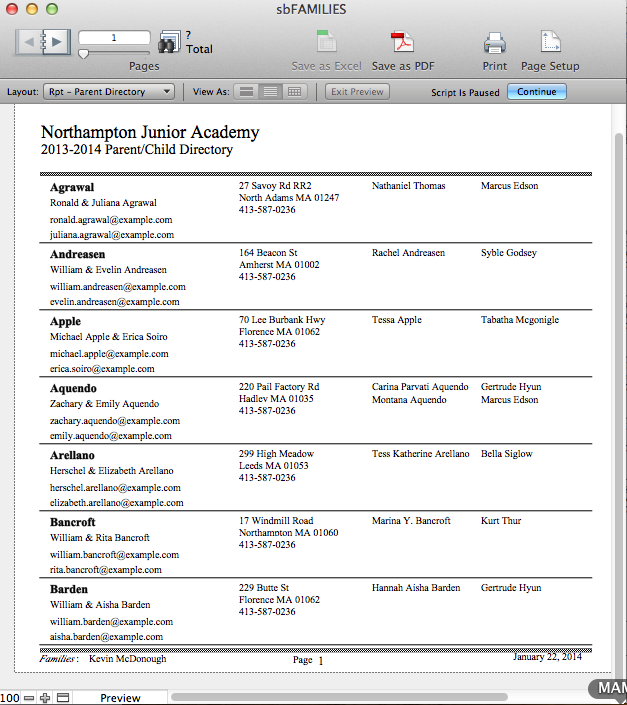
Family Directory
- Navigate to sbFAMILIES > Overview.
- Click Reports.
- Click Current Parent Directory. A complete family directory of all parents who want their information published in the directory, organized alphabetically will be generated.
- Print or Save as desired.
- Click Continue to exit.