
- Open KEYSTONE.
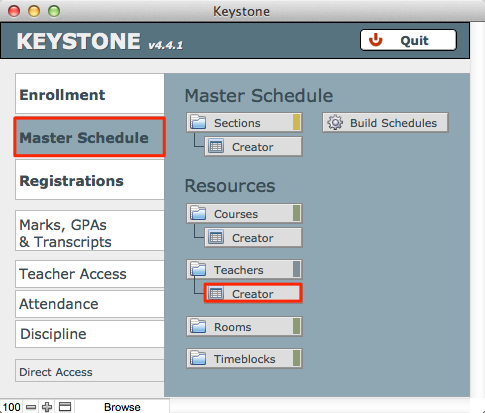
- Go to the Master Schedule tab.
- Click on the Creator button underneath Teachers.
- The Create Teacher window will open. At the top of the page, click on the New Teacher button. This will create a new row at the bottom of the list. Notice that a unique Teacher ID has been auto-entered into the blank row.
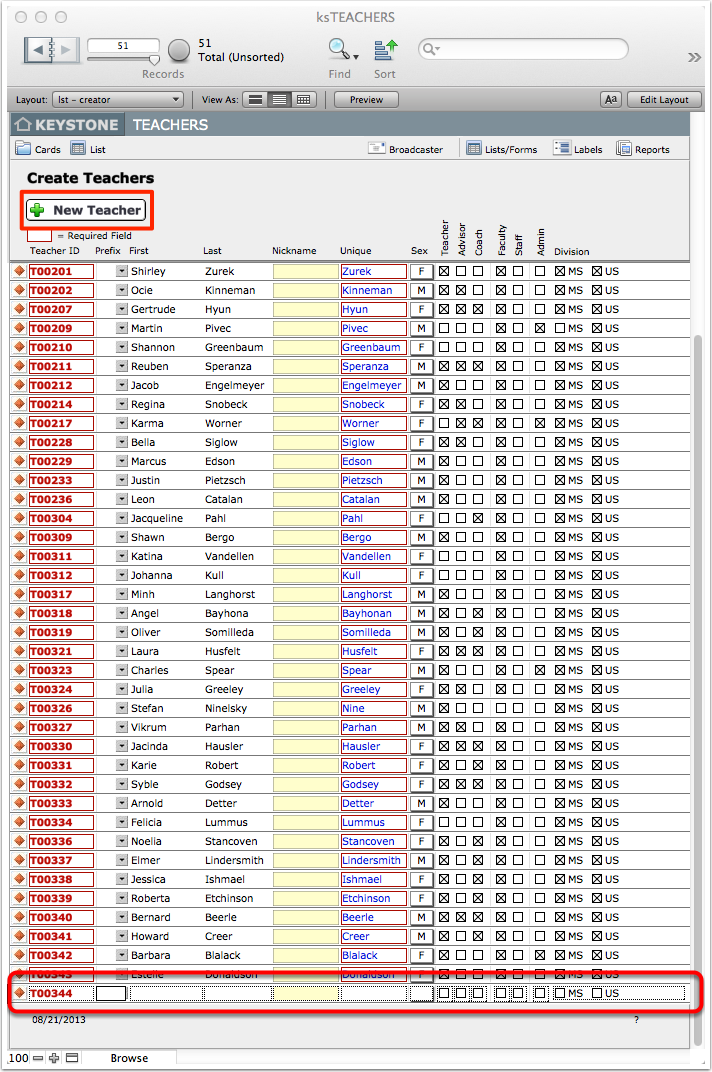
- Enter the information for the new teacher.
- If you need to create multiple teachers, repeat this process for each teacher.
