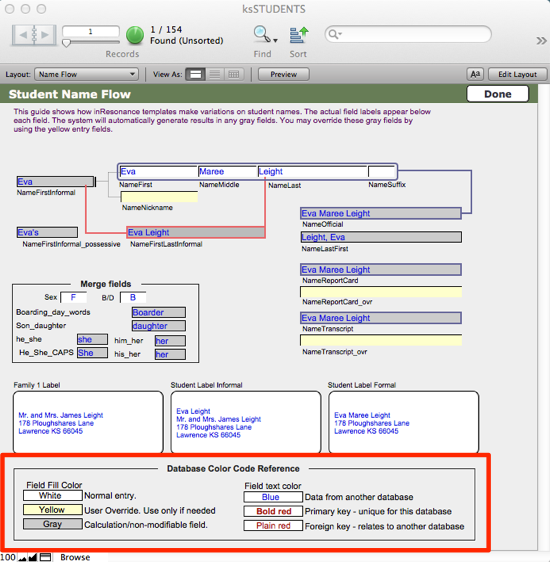
Throughout KEYSTONE, the following color conventions are followed:
- Fields outlined in RED are critical fields.
- ID numbers that appear in BOLD RED are Primary Key Values.
- ID numbers that appear in RED are Key Values.
- Fields highlighted in GRAY are the result of calculations.
- Fields highlighted in YELLOW are override fields.
- Fields where the data appears in BLUE are displaying data that originates in a different table.
- WHITE fields with BLACK type are normal entry, and editable.
A Database Color Code Reference can be found in ksSTUDENTS on the Student Name Flow screen.