
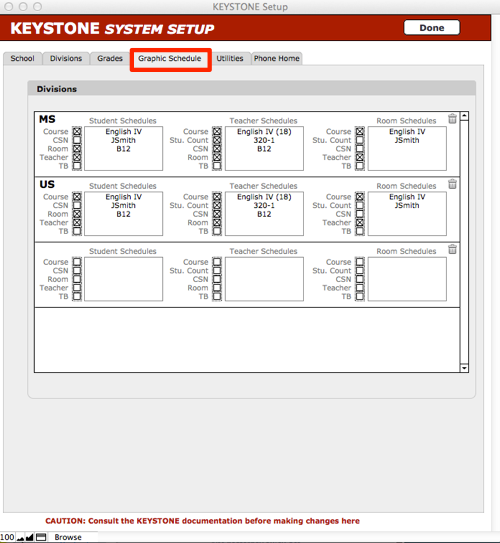
You can control what information is displayed on each of the graphic schedules, for each Division: Student Schedules, Teacher Schedules and Room Schedules.
1. From KEYSTONE CentralNav > Scripts menu, select KEYSTONE Setup.
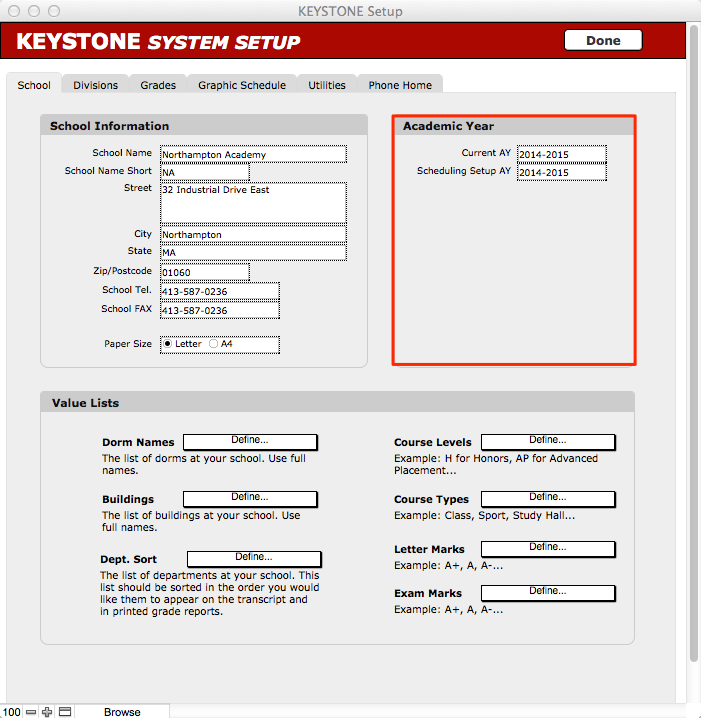
- Select the Graphic Schedule tab.
- Use the checkboxes to control what information will display on each version of the schedule:
- Course Name Short
- Course Section Number
- Room Name Short
- Teacher
- Timeblock
- Click Done to return to CentralNav screen.
