
To make a blank HTML layout:
- Click on the envelope at the top left of the BROADCASTER window.
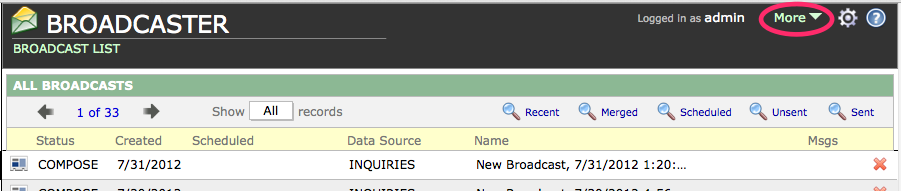
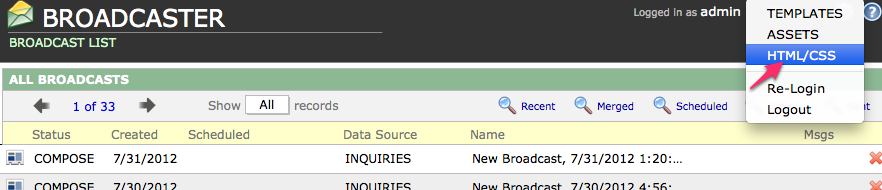
- Click on the MORE pull-down menu and choose HTML/CSS to navigate to the HTML Editor.
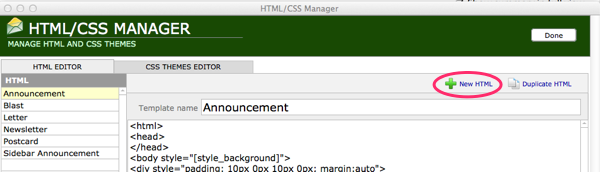
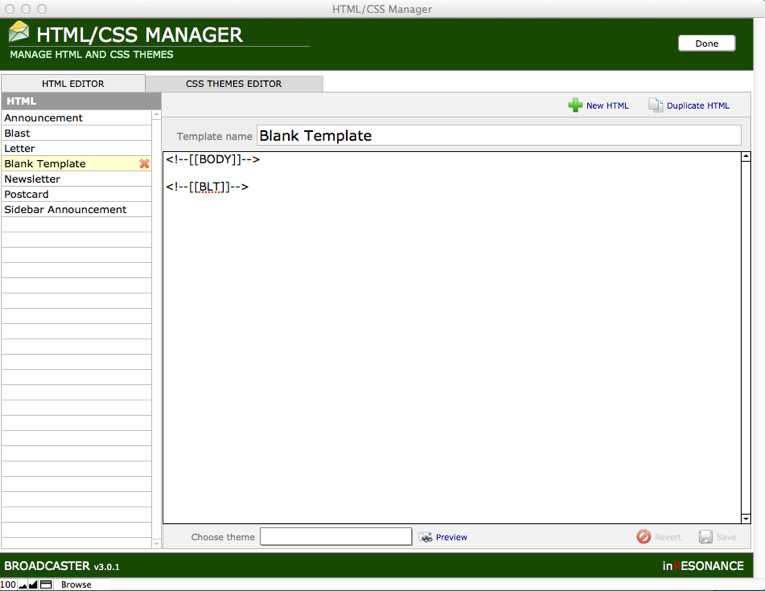
- Click on New HTML in the task bar above the editing area.
- Name your layout.
- In the editing area, type in <!–[[BODY]]–>
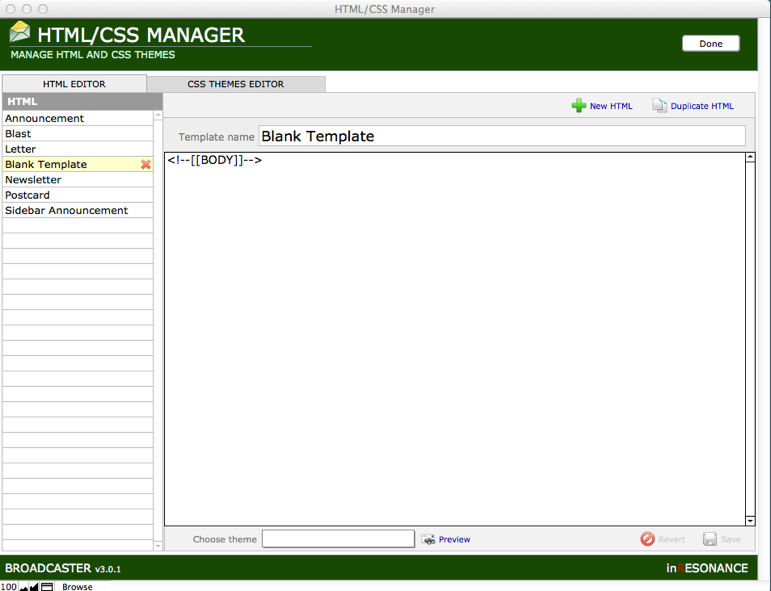
- If you want to be able to track who opened or did not open your message, also add on its own line <!–[[BLT]]–>
- Save your layout.
