
To removed the students and families who are no longer enrolled attending from your FAM Directory.
- Open the Preferences Menu by clicking the Gear Icon.

- Navigate to the ADVANCED tab and the FUNCTIONS subtab.
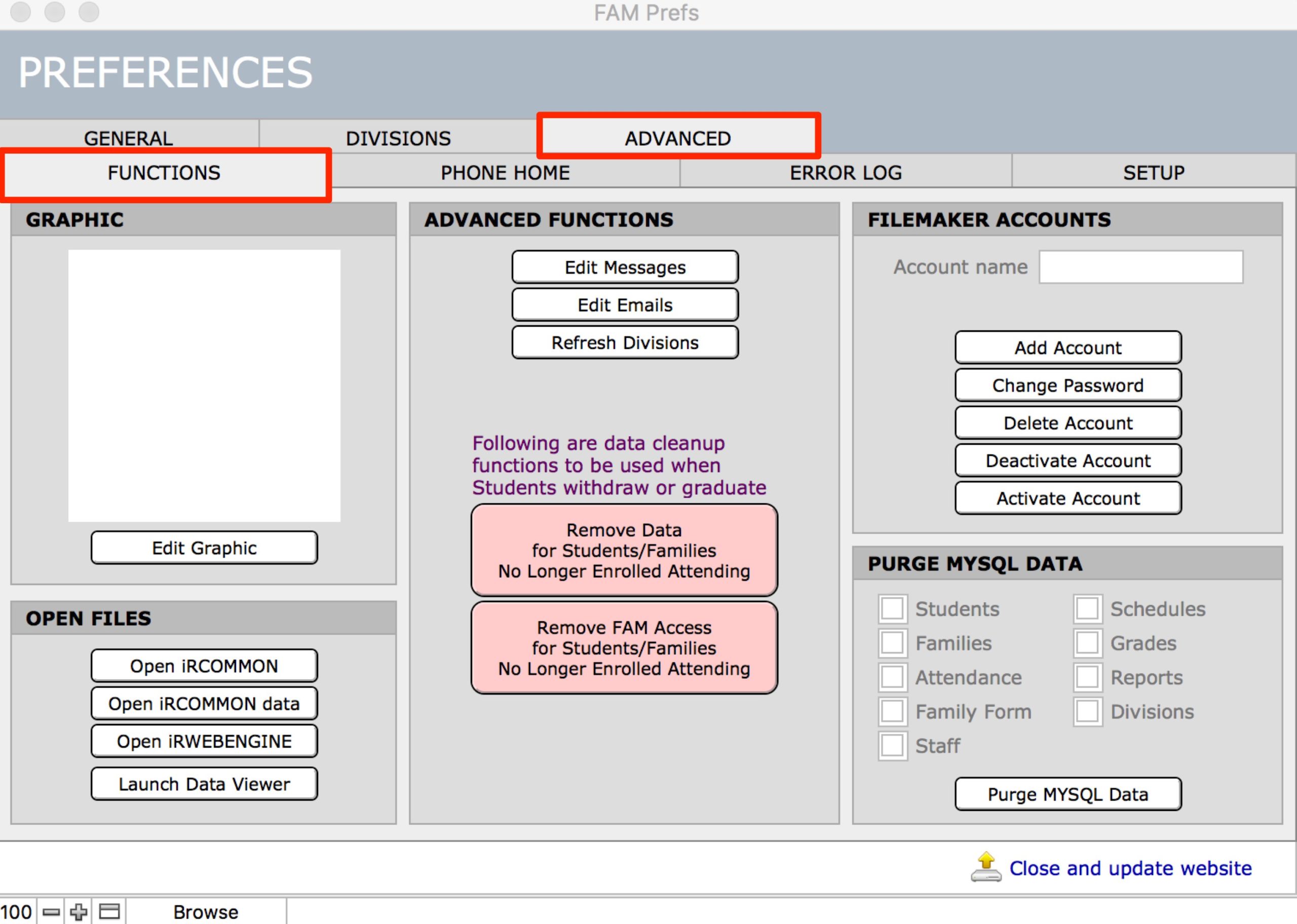
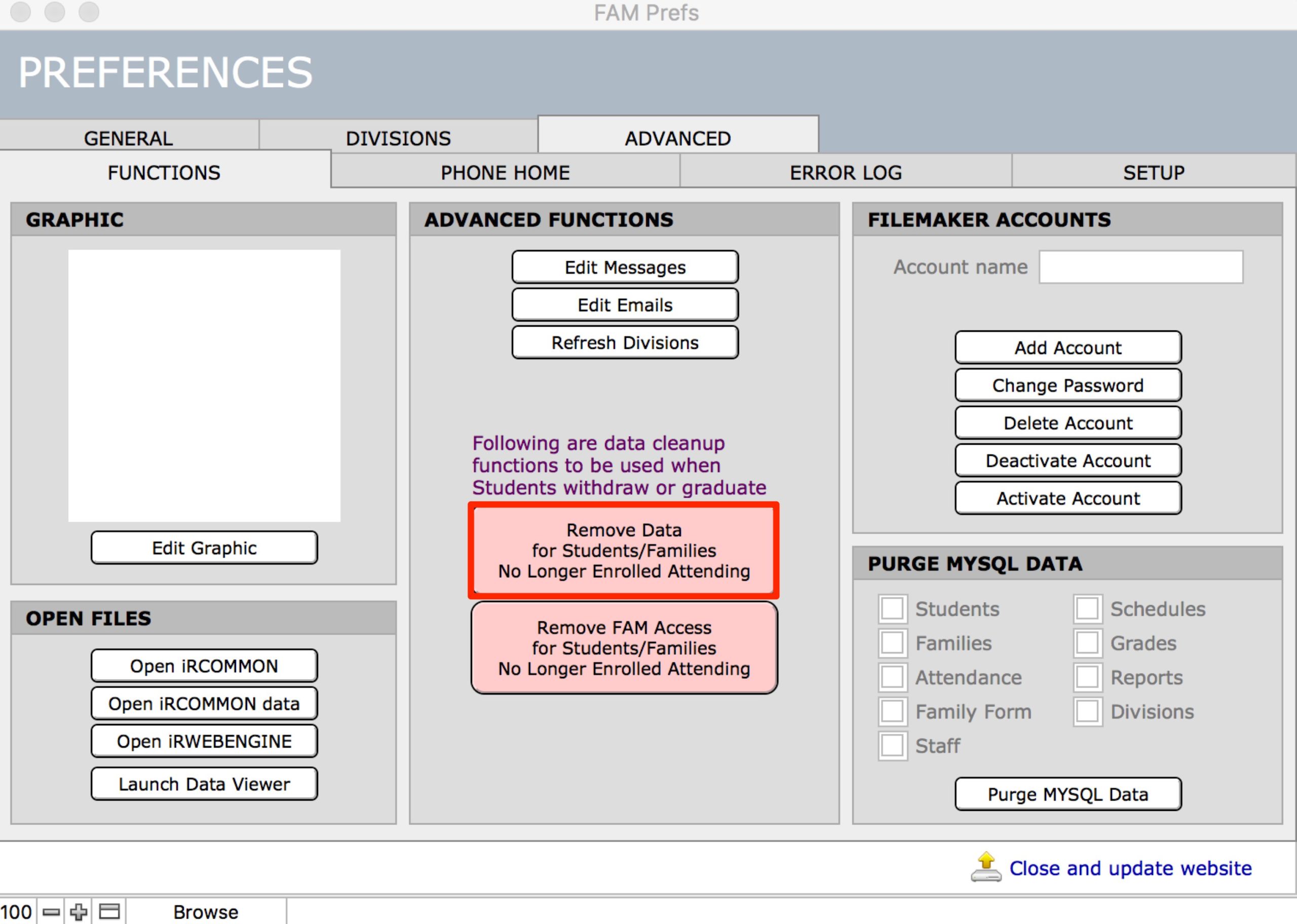
- Click the first pink button Remove Data for Students/Families No Longer Enrolled Attending.
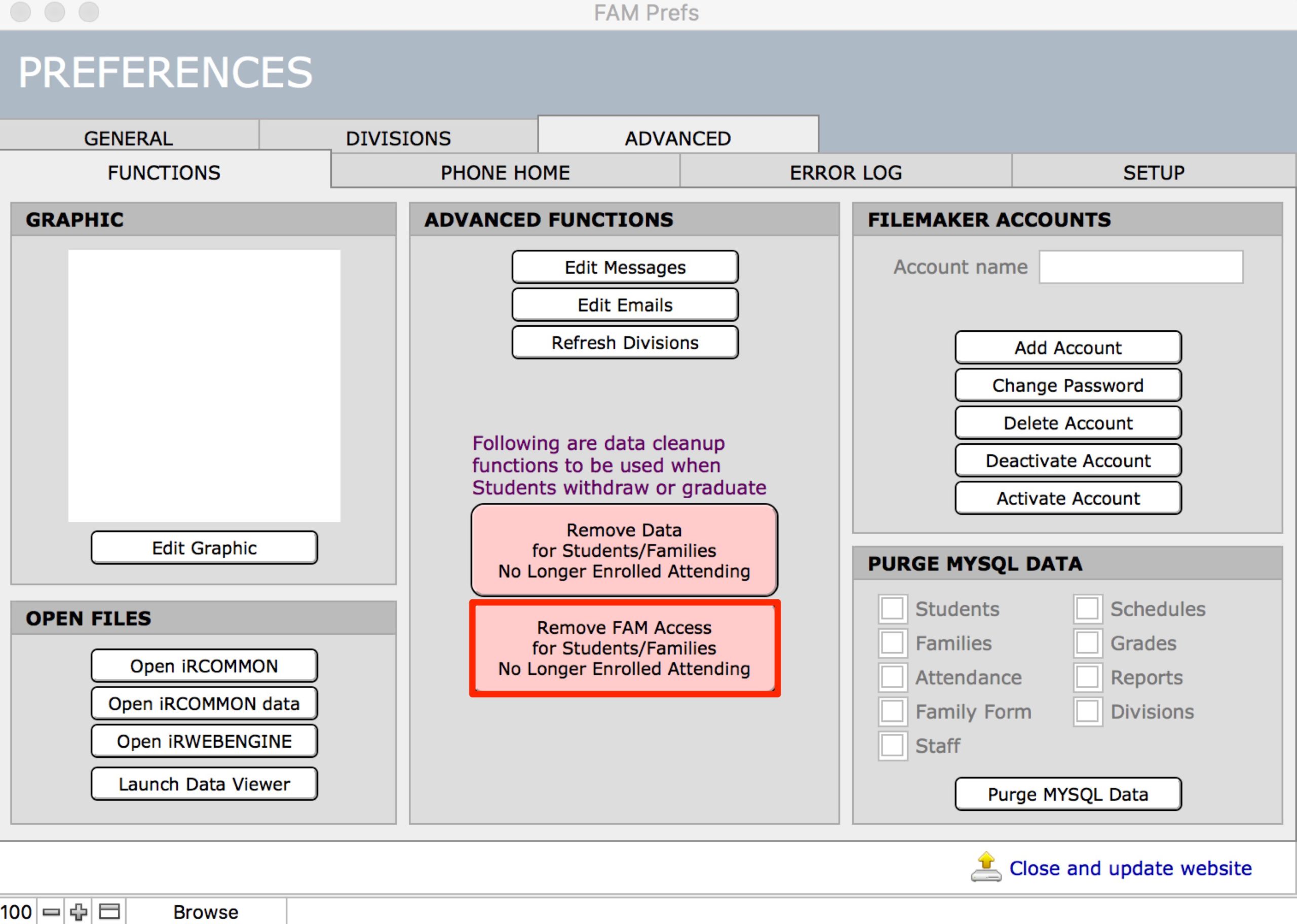
- Click the second pink button Remove FAM Access for Students/Families No Longer Enrolled Attending.
- Click Close and Update Website.

