
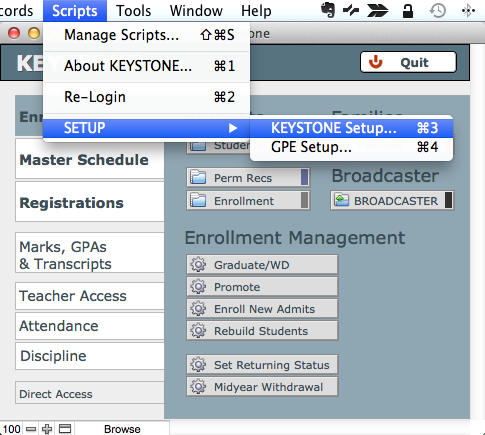
- From Central Nav, in the FMP Scripts menu, select KEYSTONE Setup…
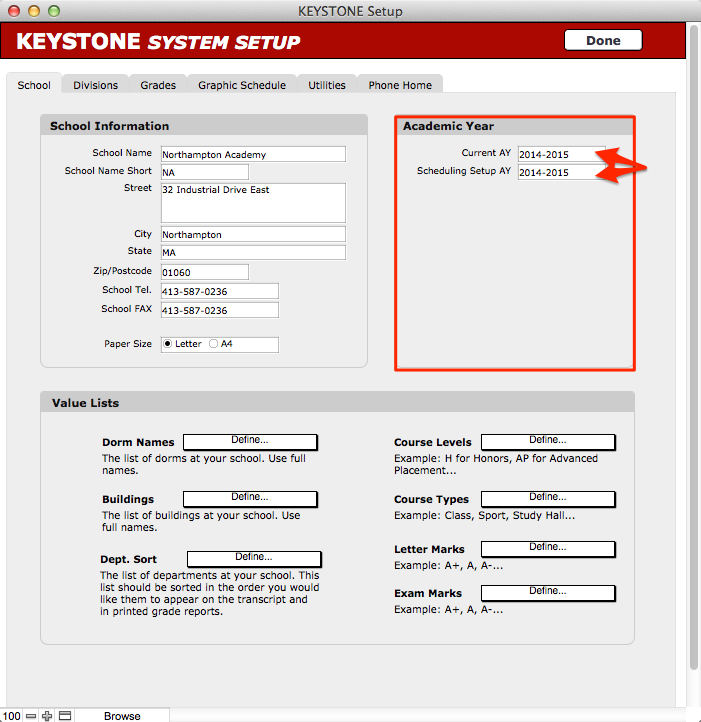
The KEYSTONE System Setup dialog box will open.
- Click into the School tab.
- Under the Academic Year heading, change both the Current AY and the Scheduling Setup AY fields to the next academic year.
- Click into the Divisions tab.
- Enter the correct start dates for the Terms and the Marking Periods of the next academic year.
- Click Done to return to Central Nav.
