
Sending a single email
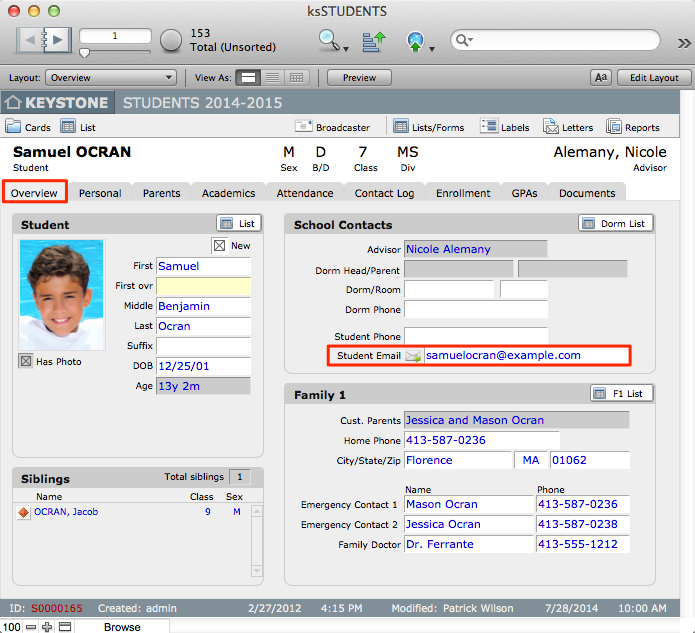
New in KEYSTONE 4.3, you can easily send an email to any email address where an envelope icon is displayed.
- Click the envelope icon next to an email address. This will launch your personal email client and open a screen to compose a message to that email address.
Sending email to a found set
Use BROADCASTER to send individual, personalized email messages to every person in a found set for whom you have an email address. See the BROADCASTER documentation for further instructions.
